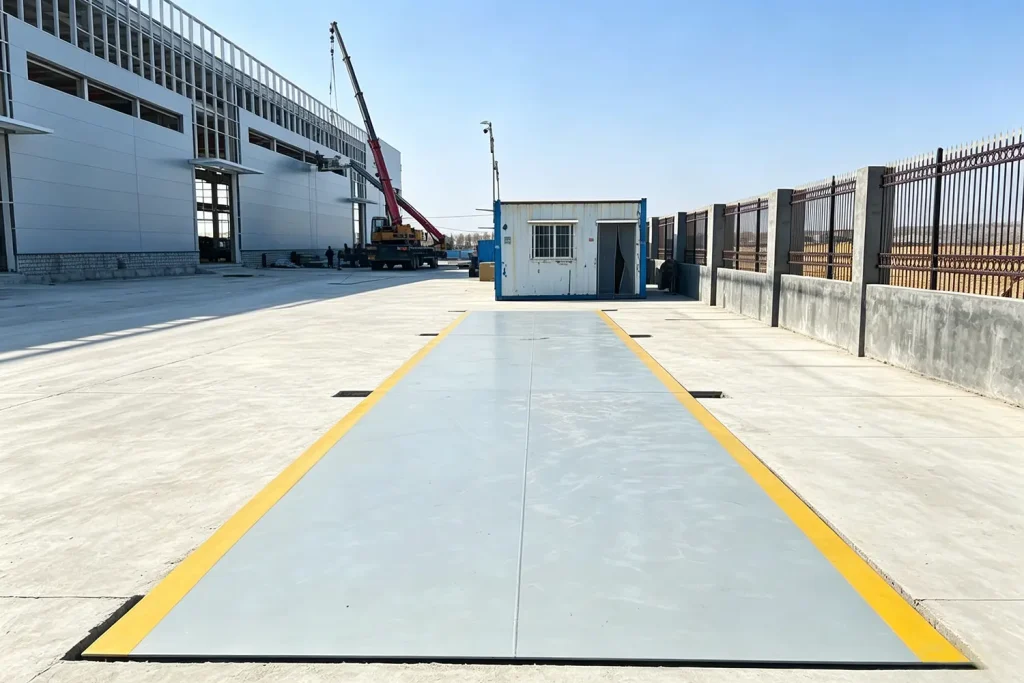
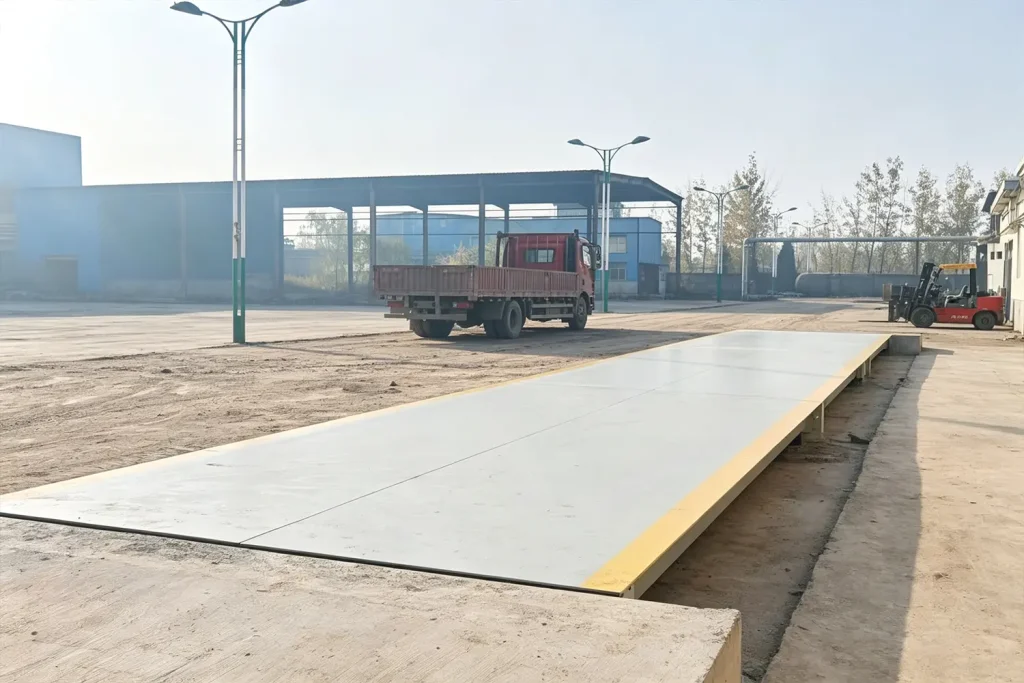
Troubleshooting a 6-Load Cell Truck Scale: Common Issues and Fixes
Experiencing weight discrepancies and need to know how to troubleshoot a 6 load cell truck scale? Hardware failures in your weighing system can halt logistics and cause severe supply chain bottlenecks. Often, the solution starts with knowing how to clean a truck scale properly to prevent debris interference. This comprehensive guide covers common mechanical and electrical issues, helping maintenance teams quickly diagnose load cell faults and restore accuracy to your commercial weighbridge operations.
The Anatomy of a 6-Load Cell Weighbridge
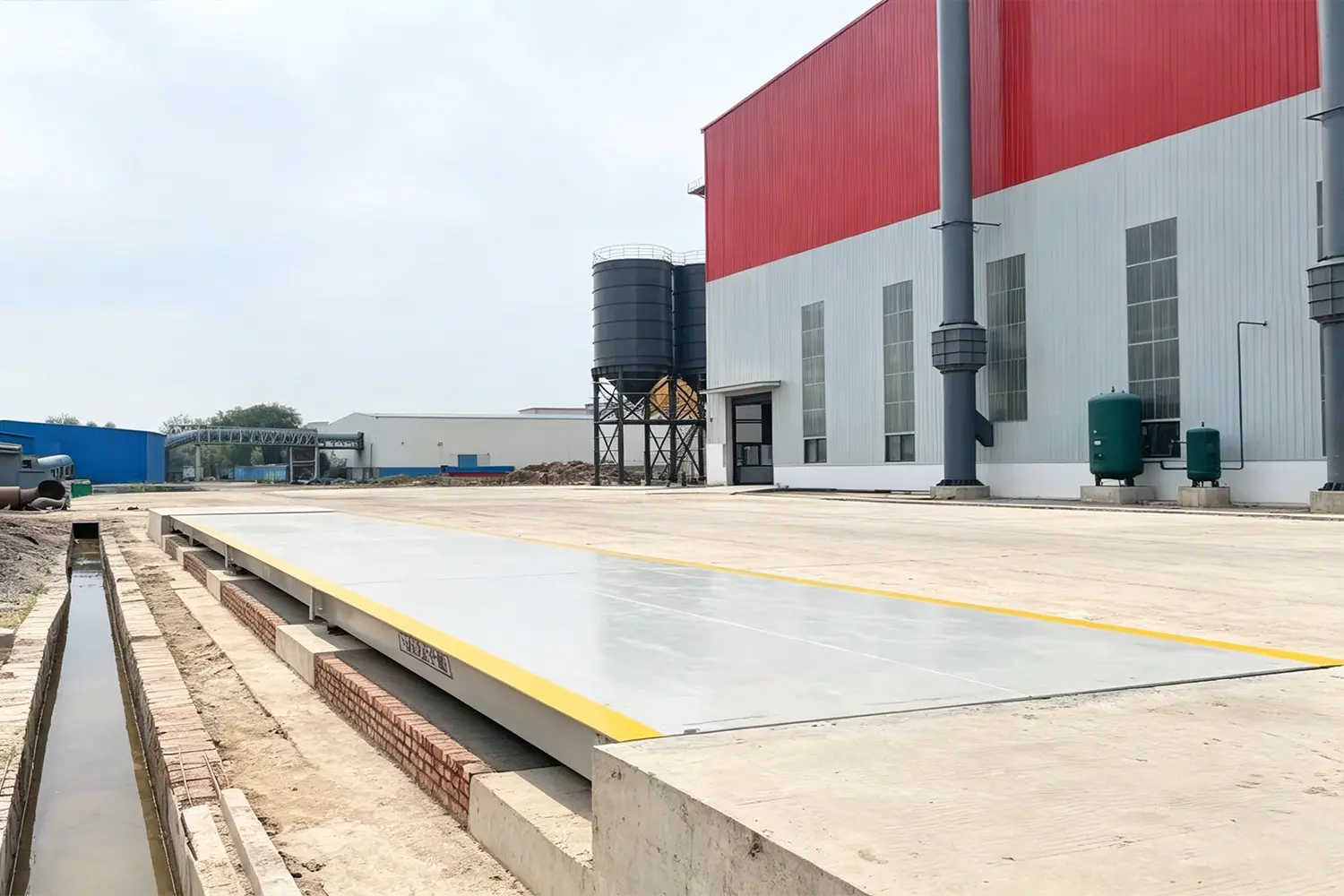
For facility engineers, a sudden scale failure is a massive pain point. A standard 18-meter truck scale typically utilizes a 6-load cell configuration (three on each side). These sensors support the steel deck and convert physical pressure into electrical signals. When the scale indicator displays an error code or fluctuating weights, the challenge is isolating which of the six cells—or the cables connecting them—is causing the problem.
Why Load Cells Fail
Load cells are robust, but they are not invincible. The most common causes of failure include lightning strikes (power surges), moisture ingress in the junction box, severed cables from rodents, and mechanical binding caused by compacted debris.
How to Clean a Truck Scale to Prevent Errors
Before opening any electrical panels, you must know how to clean a truck scale. The “itch” that plagues many maintenance teams is chasing an electrical ghost when the issue is purely mechanical.
Debris Binding and Drainage Issues
If mud, rocks, or ice build up between the scale deck and the foundation, it creates a “bind.” The scale cannot flex properly, causing the load cells to read artificially low weights. Use a high-pressure washer to clear all debris from the gap around the weighbridge and ensure the drainage system (especially in pit scales) is functioning. If the load cells are submerged in water, you will experience severe signal drift.
How to Troubleshoot a 6 Load Cell Truck Scale
If cleaning doesn’t solve the issue, you must move to electrical troubleshooting. Here is how to troubleshoot a 6 load cell truck scale systematically.
Step 1: Visual Inspection and Junction Box Check
Inspect all cables for cuts or crimps. Open the junction box and look for condensation or corrosion on the summing board. Even a single drop of water across the terminals can short the excitation voltage, causing erratic readings.
Step 2: Identifying Corner Errors
To isolate a faulty cell, perform a corner test. Drive a heavy vehicle (or place test weights) directly over each of the 6 load cell locations one by one. Record the weight at each point. If five locations read 15,000 kg, but the middle-left location reads 12,000 kg, you have isolated the faulty load cell or its corresponding wiring.
Step 3: Testing Millivolt Output (Analog Cells)
For older analog systems, a technician must use a digital multimeter to measure the excitation voltage and the millivolt signal output of the suspected load cell. If the resistance is out of the manufacturer’s spec, the cell must be replaced.
The Spire Advantage: Digital Diagnostics and AVS
The ultimate “sweet point” for B2B buyers is eliminating manual troubleshooting entirely. Spire’s Automated Unattended Weighing System (AVS) utilizes advanced digital load cells connected to an Industrial PC (IPC). Instead of spending hours with a multimeter, the Spire AVS software instantly identifies the exact load cell that is failing and displays the error on your dashboard. Minimize your downtime and upgrade your maintenance capabilities by contacting Spire for a digital weighbridge retrofit today.
Request a Quote / Get Expert Assistance
Have questions about our heavy-duty truck scales or industrial weighing solutions? Fill out the form below to get a direct response from our engineering team.