How to Develop Weighbridge Integration in SAP S/4HANA
Figuring out how to develop weighbridge integration in SAP S/4HANA is a top priority for enterprise IT and procurement managers. When you learn how to develop weighbridge in SAP S/4HANA, you eliminate data silos, prevent manual entry errors, and achieve real-time inventory visibility. Connecting your truck scale’s Industrial PC (IPC) directly to your ERP system transforms raw weight data into actionable business intelligence. This guide breaks down the architecture and API strategies needed for seamless SAP integration.
The Pain Point: Disconnected Weighing Data and ERP Silos
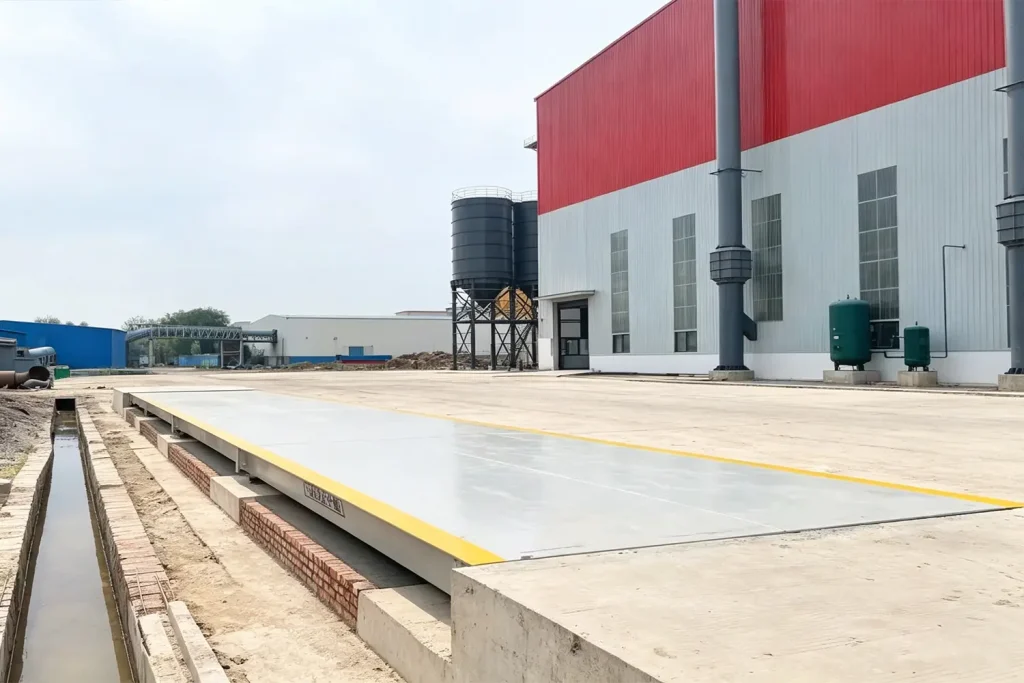
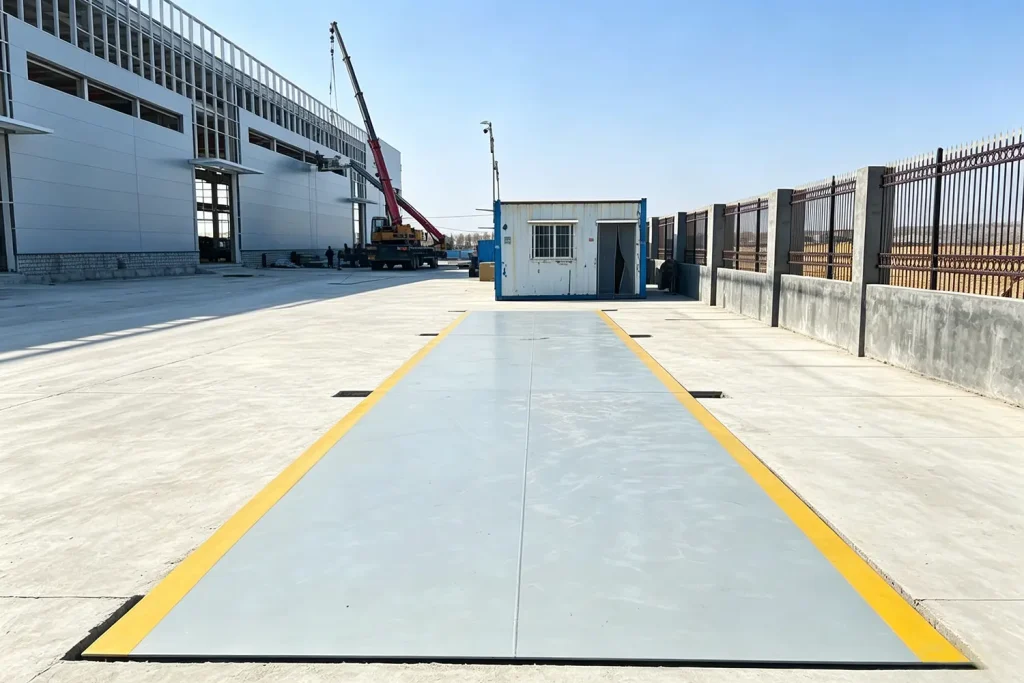
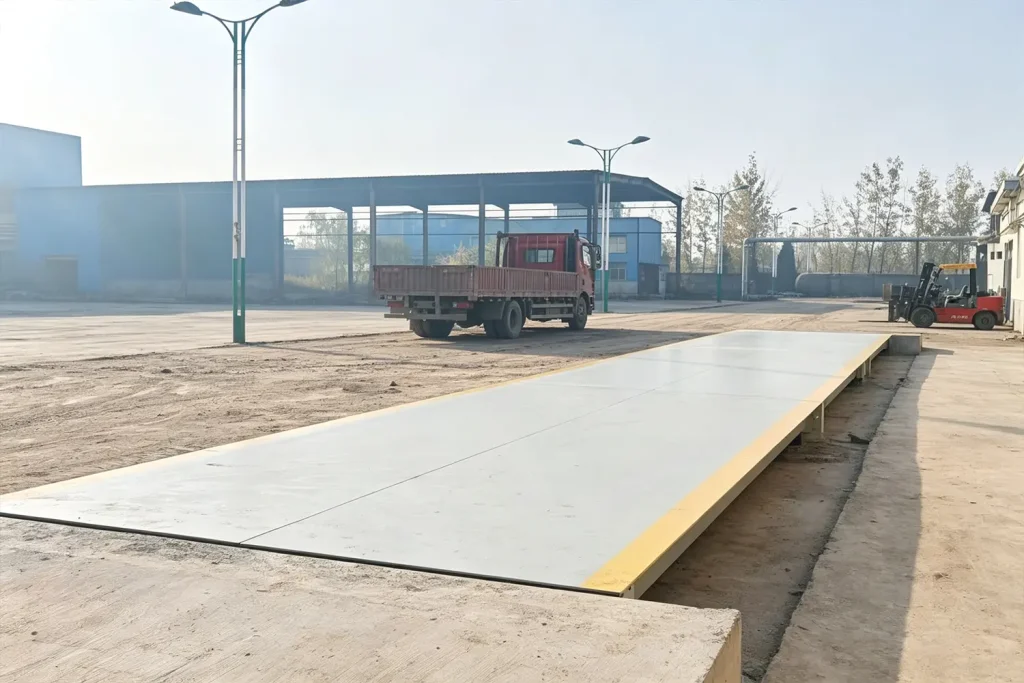
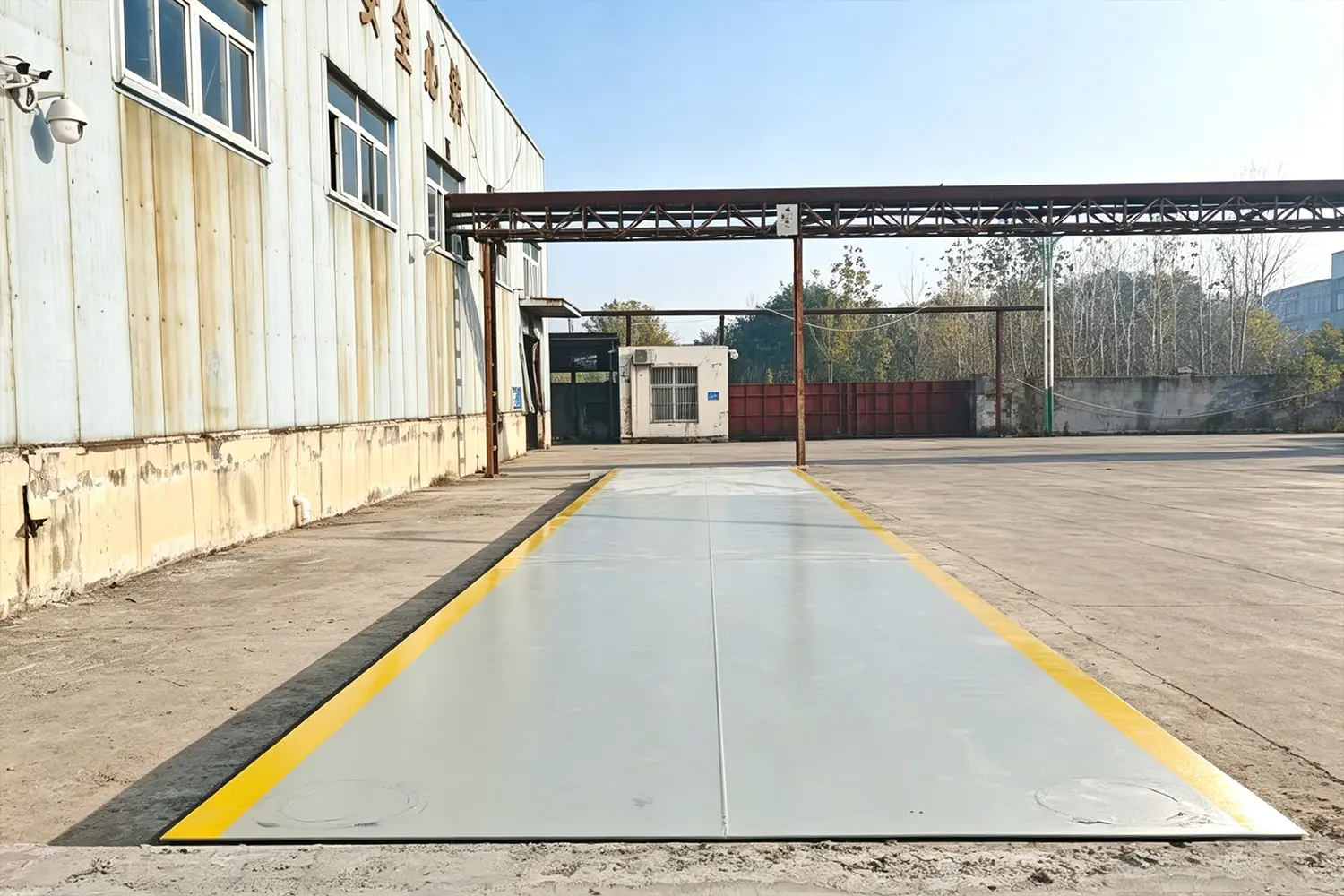
For large-scale manufacturing, mining, and logistics enterprises, SAP S/4HANA is the central nervous system of the business. However, a massive pain point exists at the edge of the facility: the weighbridge. In many operations, the truck scale operates on isolated, legacy software. Weighing data is printed on paper tickets and later manually typed into the SAP system by back-office staff.
The Cost of Manual Data Entry in Enterprise Logistics
This disconnect creates a severe “itch” for supply chain directors. Manual data entry delays inventory updates, slows down the invoicing process, and introduces a high margin of human error. When inbound raw materials are not immediately reflected in SAP, production planning suffers. Enterprises need real-time, automated data flow from the scale deck directly to the ERP ledger.
How to Develop Weighbridge Integration in SAP S/4HANA
So, how to develop weighbridge in SAP S/4HANA effectively? The integration requires a bridge between the physical weighing hardware and the cloud or on-premise SAP environment. This is achieved through modern API (Application Programming Interface) architecture and robust edge computing.
Utilizing APIs and Middleware for Secure Data Transfer
To develop this integration, IT teams utilize SAP’s OData services or RESTful APIs. When a truck is weighed, the weighbridge software packages the data (Gross Weight, Tare Weight, Vehicle ID, Timestamp) into a JSON or XML payload. This payload is securely transmitted via middleware (like SAP PI/PO or SAP Integration Suite) directly into the relevant SAP modules, such as Materials Management (MM) or Sales and Distribution (SD), automatically triggering goods receipt or goods issue workflows.
The Role of the Industrial PC (IPC) in Data Processing
You cannot connect a raw scale indicator directly to SAP. This is where Spire’s Industrial PC (IPC) becomes critical. The IPC acts as the secure edge gateway. It runs the Spire Automated Weighing System (AVS), which processes the signals from the load cells, LPR cameras, and photoelectric sensors, compiles the verified transaction, and then executes the API call to SAP S/4HANA.
The Sweet Point: Spire’s AVS and Seamless ERP Connectivity
The ultimate “sweet point” for enterprise IT is a weighbridge system that is built for enterprise connectivity out of the box. Spire’s AVS is designed with open architecture, making SAP S/4HANA integration straightforward and secure.
Real-Time Synchronization and Automated Workflows
With Spire’s unattended system integrated into SAP, the entire procure-to-pay or order-to-cash cycle is automated. A truck drives onto the scale, Spire’s hardware verifies the weight and identity, and within milliseconds, your SAP S/4HANA dashboard reflects the updated inventory. No paper, no manual entry, and zero delays. Contact Spire’s software engineering team today to discuss your ERP integration requirements and streamline your enterprise logistics.
Request a Quote / Get Expert Assistance
Have questions about our heavy-duty truck scales or industrial weighing solutions? Fill out the form below to get a direct response from our engineering team.